


Everyone starting an e-commerce business wants to maximize sales, and the best way to do so is by reaching the right customers. One of the most effective ways to achieve this is by creating an FBA shipment and selling through the Amazon marketplace.
Establishing a successful Amazon FBA shipment is an important step in operating a seamless and efficient Amazon business. By understanding the process and following Amazon’s guidelines, sellers can get certain their products arrive at fulfillment centers on time, making inventory accessible to customers without unnecessary delays. Once the product reaches the Fulfillment by Amazon centers, it gets packed and shipped to the customer with additional customer support as well.
Beforehand Requirements for Creating FBA Shipment
Having a solid amazon seo strategy helps you attract the customer, but preparing and packaging the product according to the amazon requirement only guarantees the customer gets it and streamlines the FBA shipment in Amazon Seller Central.
FBA Enrollment and SKU Assignment
Without product enrollment, the FBA shipment is not possible. Go into Seller Central and make sure each product has an FBA SKU assigned to it. Any listing showing “Fulfilled by Merchant” needs to be converted to FBA before moving forward. The conversion takes two minutes and only needs to be done once per product.
Choose the Right Label for FBA Shipments
Single-seller products can use the manufacturer barcode (UPC/EAN). Products listed by multiple sellers on the same listing require an FNSKU label so Amazon can track inventory separately at the fulfillment center.
FNSKU is the safer choice when there is any doubt. Incorrect labeling is one of the most common reasons an FBA shipment gets rejected or has to be cancelled and restarted from scratch.
Packing Supplies for FBA Shipments
Gather all packaging materials before starting an amazon fba shipment. Sturdy boxes, packing tape, poly bags, and enough protective material for fragile items should all be on hand before a single product is packed.
Amazon has strict packaging standards, and a damaged box arriving at the fulfillment center is not just a lost product, it is a strike against the seller account.
Right Carrier for FBA Shipments
Two carrier options are available for amazon fba shipments: 1. Amazon’s partnered carrier program 2. a third-party carrier. Amazon’s partnered carriers offer significantly lower rates and are pre-approved by Amazon, which reduces the risk of an fba shipment being flagged for non-compliance. A third-party carrier only makes sense when an existing business account with UPS or FedEx offers better rates.
How to Create FBA Shipment?
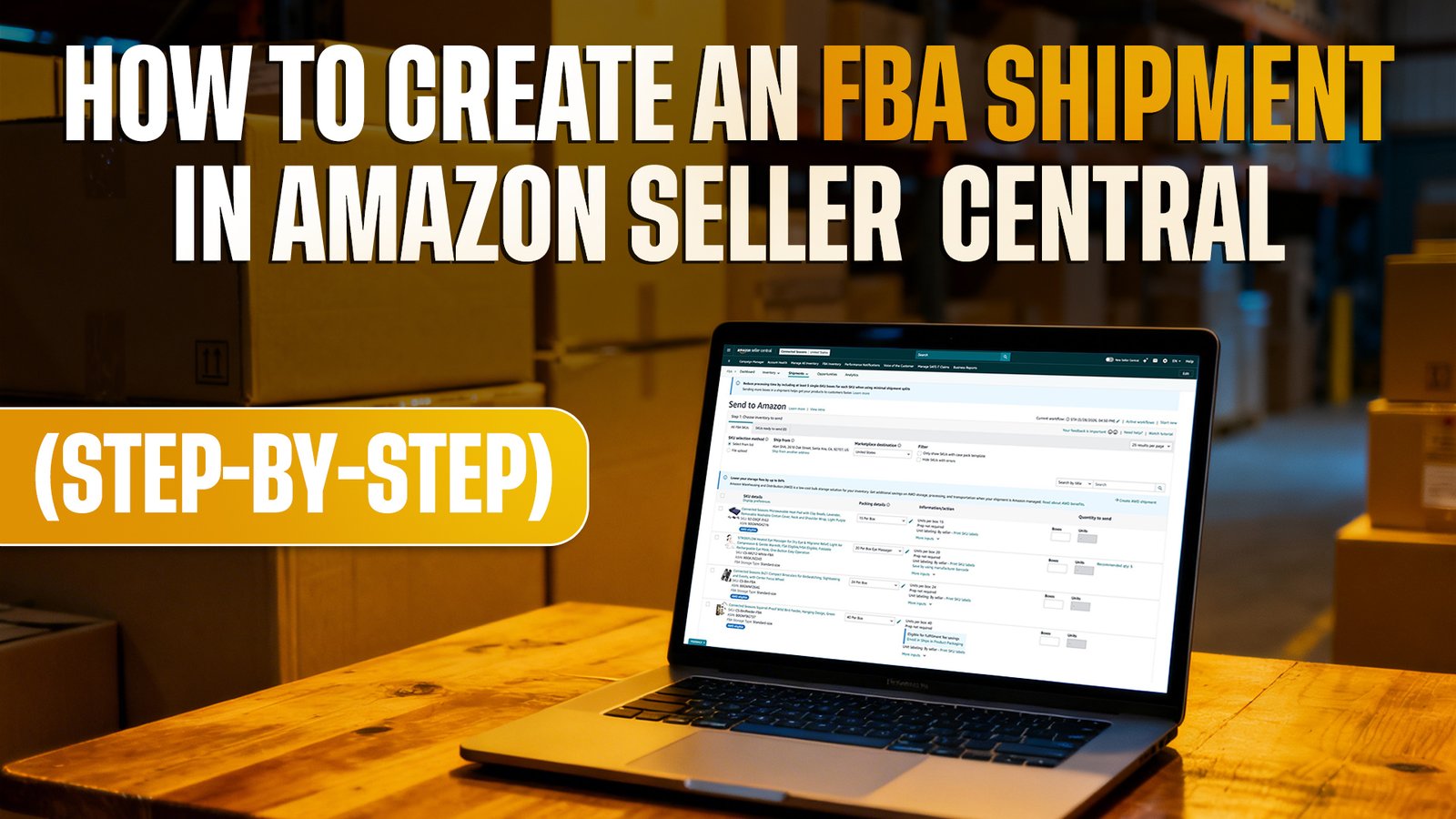
The amazon fba shipment process is simpler than most sellers expect. Follow these steps to get it done correctly.
Step 1: Log in and Go to Manage Inventory
Log into Amazon Seller Central and navigate to the Dashboard. From the Dashboard, click on Inventory and select Manage Inventory. This is where the FBA shipment creation process begins.
Step 2: Select Products and Confirm FBA Enrollment
Select the products to be included in the amazon fba shipment by checking the box next to each listing. Before proceeding, confirm that every selected product is enrolled in FBA. Any listing showing “Fulfilled by Merchant” must be converted to FBA first.
Step 3: Choose Shipping Method and Enter Units
Click “Send/Replenish Inventory” to begin setting up the shipping plan. Two shipping methods are available. Select “Individual Products” for separately packed items or “Case Packed Products” for bulk packaging. Enter the exact number of units being sent for each product.
Step 4: Enter Ship-From Address
Enter the address from which the fba shipment will be dispatched. This could be a warehouse, a third-party logistics provider, or a home address. Double-check every detail before moving forward as an incorrect address can cause significant shipment delays.
Step 5: Review Assigned Fulfillment Center(s)
Amazon automatically assigns one or more fulfillment centers based on current inventory needs. Review the assigned locations carefully. In some cases, different products may be directed to different fulfillment centers, which affects overall shipping costs and planning.
Step 6: Label Products Correctly
Print and attach the correct FNSKU barcodes to every product or case pack based on the selected shipping method. Labels must be placed on a flat, scannable surface and must not cover any critical product information. Incorrect or missing labels are one of the top reasons fba shipments get rejected at the fulfillment center.
Step 7: Pack Boxes Following Amazon’s Standards
Pack every product according to Amazon’s packaging requirements. Use sturdy boxes, appropriate box dimensions, and sufficient protective material for fragile items. Case packs must contain identical products in equal quantities and must be labelled correctly on the outside. Non-compliant packaging can result in delayed or rejected amazon fba shipments.
Step 8: Select Carrier and Enter Shipment Details
Choose between Amazon’s partnered carrier program or a third-party carrier. Amazon’s partnered carriers offer lower rates and smoother compliance. If a third-party carrier is preferred, select “Other Carrier” and enter the relevant carrier details manually.
Step 9: Enter Accurate Box Weight and Dimensions
Measure and enter the exact weight and dimensions of every box or pallet being shipped. Inaccurate measurements lead to unexpected shipping charges and can cause delays at the fulfillment center. Precision at this step keeps the fba shipment on schedule and within budget.
Step 10: Review Everything and Approve the Shipment
Before approving, go through every detail of the shipment one more time. Check product quantities, ship-from address, assigned fulfillment centers, labeling, packaging, and carrier information. Once everything is confirmed to be accurate, click “Approve Shipment” to finalize the shipping plan.
Step 11: Print and Attach Shipping Labels
After the shipment is approved, print all required shipping labels. This includes individual box labels and pallet labels where applicable. Attach every label firmly to the correct box or pallet in the designated position as specified by Amazon’s requirements.
Step 12: Book Pickup or Drop Off the Shipment
For amazon fba shipments using Amazon’s partnered carrier, schedule a pickup directly through Seller Central. For third-party carriers, arrange delivery to the assigned fulfillment centers independently. Once the shipment is on its way, use the carrier tracking number to monitor progress and confirm on-time arrival.
Tips for a Seamless FBA Shipping Procedure
Effectively preparing and dispatching FBA shipments helps with seamless operations and improves the chances of the sales opportunities on Amazon.
Ship the Right Quantities to Avoid Long-Term Storage Fees
Sending large quantities to Amazon feels like a smart move until the storage fees start piling up. Amazon charges long-term storage fees on inventory that sits in the fulfillment center for more than 365 days. Before creating an fba shipment, check the current sales velocity and ship only what is likely to sell within a reasonable timeframe.
Plan Peak Season Shipments at Least Twice as Early
During peak seasons like Q4, fulfillment centers get backed up fast. Amazon fba shipments take significantly longer to process during high-demand periods. Start preparing shipments at least two to three weeks earlier than usual. Missing the processing window during peak season means products sit in a queue while sales opportunities are lost.
Combine Shipments to Cut Costs
Sending multiple smaller fba shipments separately adds up quickly. Where possible, consolidate products into a single shipment to reduce overall shipping costs and maximize pallet space. Precise box measurements and accurate weights also prevent unexpected carrier surcharges that eat into margins.
The Labeling Mistake That Gets Shipments Rejected
Placing an FNSKU label over a product barcode that Amazon still needs to scan is one of the most common reasons fba shipments get rejected at the fulfillment center. Every label must be placed on a flat, clean surface, free from curves, edges, or existing barcodes. Always test scan labels before packing to confirm they are readable.
Conclusion!
Mastering the amazon fba shipment process is not complicated. It just requires the right preparation and attention to detail. Following the steps correctly, labeling accurately, packing to Amazon’s standards, and tracking every shipment after dispatch are the habits that separate smooth operations from costly ones. The sellers who get this right consistently are not the most experienced. They are simply the most prepared.